With the global video surveillance market projected at $94.1 billion in 2026, choosing the right video management system requires looking beyond the initial price tag to understand what you'll actually spend over time. This guide breaks down VMS licensing models, explains the key components of total cost of ownership, and provides a practical framework for comparing solutions so you can make a confident, informed decision for your organization.
Understanding VMS licensing models and total cost of ownership
Total cost of ownership (TCO) is the complete amount you'll spend on a video management system over its entire lifespan. This includes not just the software license, but also hardware, installation, support, storage, and ongoing maintenance costs.
When comparing VMS solutions, focusing only on the sticker price leads to budget surprises down the road. A system that looks affordable upfront may cost significantly more over five years when you factor in hidden expenses like infrastructure upgrades, training, and support contracts.
Understanding TCO helps you compare solutions on equal terms. Two vendors might quote similar licensing fees, but one could require expensive proprietary hardware while the other works with your existing cameras and network equipment.
VMS licensing models explained
VMS vendors typically offer two primary licensing approaches: perpetual and subscription. Each creates a different financial profile and affects how you budget for video security over time.
Perpetual licensing
Perpetual licensing is a one-time purchase that grants you indefinite rights to use the software. You own the license forever, tied to specific hardware or a license key.
This model works well for organizations with stable, long-term deployments and predictable budgets. Once you've made the initial investment, your ongoing costs drop significantly.
- Upfront cost: Higher initial expense concentrated in year one
- Updates: New features and major versions require separate purchases
- Hardware binding: Licenses may be tied to specific servers, limiting flexibility
- Long-term value: Lower total cost over extended periods if needs remain consistent
Perpetual licenses typically range from $50 to $300 or more per camera depending on the vendor and feature tier. Most vendors also charge annual maintenance fees of 15-20% of the license cost to access technical support and minor updates.
Subscription licensing
Subscription licensing charges recurring fees—monthly, annually, or on multi-year terms—for continued software access. You receive regular updates, new features, and support as part of your subscription.
This approach has become increasingly common among cloud-native and hybrid-deployment vendors, with the VSaaS market projected at $9.59 billion in 2026. It shifts video security from a capital expense to an operational expense.
- Predictable costs: Consistent monthly or annual payments simplify budgeting
- Continuous updates: Access to new features and security patches without extra charges
- Flexibility: Easier to scale up or down based on changing needs
- Long-term expense: Total cost can exceed perpetual licensing over many years
Subscription pricing typically ranges from $5 to $25 or more per camera per month. This often includes support and may include cloud storage, depending on the vendor.
The right choice depends on your organization's financial structure and growth plans. Perpetual licensing favors organizations with available capital and stable requirements. Subscription licensing suits growing organizations that prefer spreading costs over time.
Key cost components in VMS total cost of ownership
A comprehensive TCO analysis accounts for expenses beyond software licensing. The following components typically represent the largest portions of your five-year investment.
Hardware and infrastructure
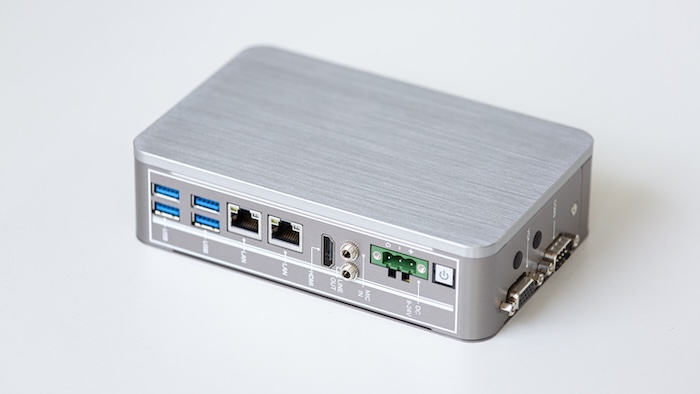
Hardware includes the physical equipment that runs your VMS—servers, network video recorders, storage devices, and networking equipment. This often represents the largest single expense in an on-premises deployment.
Your hardware costs depend heavily on camera count, video resolution, and retention requirements. Higher resolution video requires more storage and processing capacity. Longer retention periods demand proportionally more storage investment.
Key hardware categories include:
- Recording servers or network video recorders (NVRs)
- Storage systems (direct-attached, network-attached, or cloud)
- Network infrastructure (PoE switches, cabling, bandwidth upgrades)
- Backup and failover systems for business continuity
Deployment and implementation
Implementation costs cover everything required to get your VMS operational. This includes professional services for system design, physical installation, software configuration, and integration with other systems.
Organizations often underestimate implementation expenses. Professional services for design, installation, and integration frequently cost more than the software itself, especially for complex multi-site deployments.
Implementation expenses typically include:
- System design and engineering
- Installation and configuration labor
- Integration with access control, alarms, or business applications
- Network upgrades and firewall configuration
- Testing and validation before production deployment
Support and maintenance
Support keeps your system operational, secure, and compliant over time. The level of support you need depends on your internal IT capabilities and how critical video security is to your operations.
Many subscription-based systems include support in the license fee. Perpetual license holders typically purchase separate software maintenance contracts, usually priced at 15-20% of the original license cost annually.
- Basic support: Email-only, multi-day response times
- Standard support: Business hours phone support, next-day response
- Premium support: 24/7 availability, priority response, dedicated resources
Organizations frequently choose lower support tiers to reduce costs, then face expensive emergency support calls when issues arise. Match your support level to your operational requirements and technical expertise.
Storage and retention
Video storage is an ongoing operational expense that extends throughout the system's lifespan. Unlike one-time hardware purchases, storage costs grow as you add cameras or extend retention periods.
Several factors drive storage costs:
- Resolution and frame rate: Higher quality video requires more storage capacity
- Number of cameras: Each additional camera increases storage proportionally
- Retention period: Longer retention (30, 60, 90 days) requires proportionally more storage
- Redundancy: Maintaining backup copies doubles or triples storage costs
Modern compression technologies like H.265 can significantly reduce storage requirements. Tiered retention policies—keeping high-resolution video for shorter periods and lower-resolution archives longer—also help control costs.
Comparing deployment models
Different deployment approaches create distinct cost profiles. Your choice between on-premises, cloud, or hybrid deployment affects both immediate expenses and long-term financial commitments.
On-premises deployment
On-premises systems require higher upfront capital expenses for servers, storage, and networking equipment. Once infrastructure is in place, ongoing costs drop to support and maintenance fees.
This model suits organizations with available capital, stable long-term requirements, and internal IT resources to manage the infrastructure. You own the equipment and avoid ongoing cloud service fees.
Cloud-based deployment
Cloud-based video surveillance as a service (VSaaS) minimizes initial investment. You pay recurring subscription fees that include software, storage, and support.
This approach works well for organizations with limited IT resources or those prioritizing fast deployment. However, recurring costs never decrease, and total expense over many years often exceeds on-premises alternatives.
Hybrid deployment
Hybrid systems combine on-premises recording with cloud connectivity for remote access and management. This balances capital and operational expenses while maintaining flexibility.
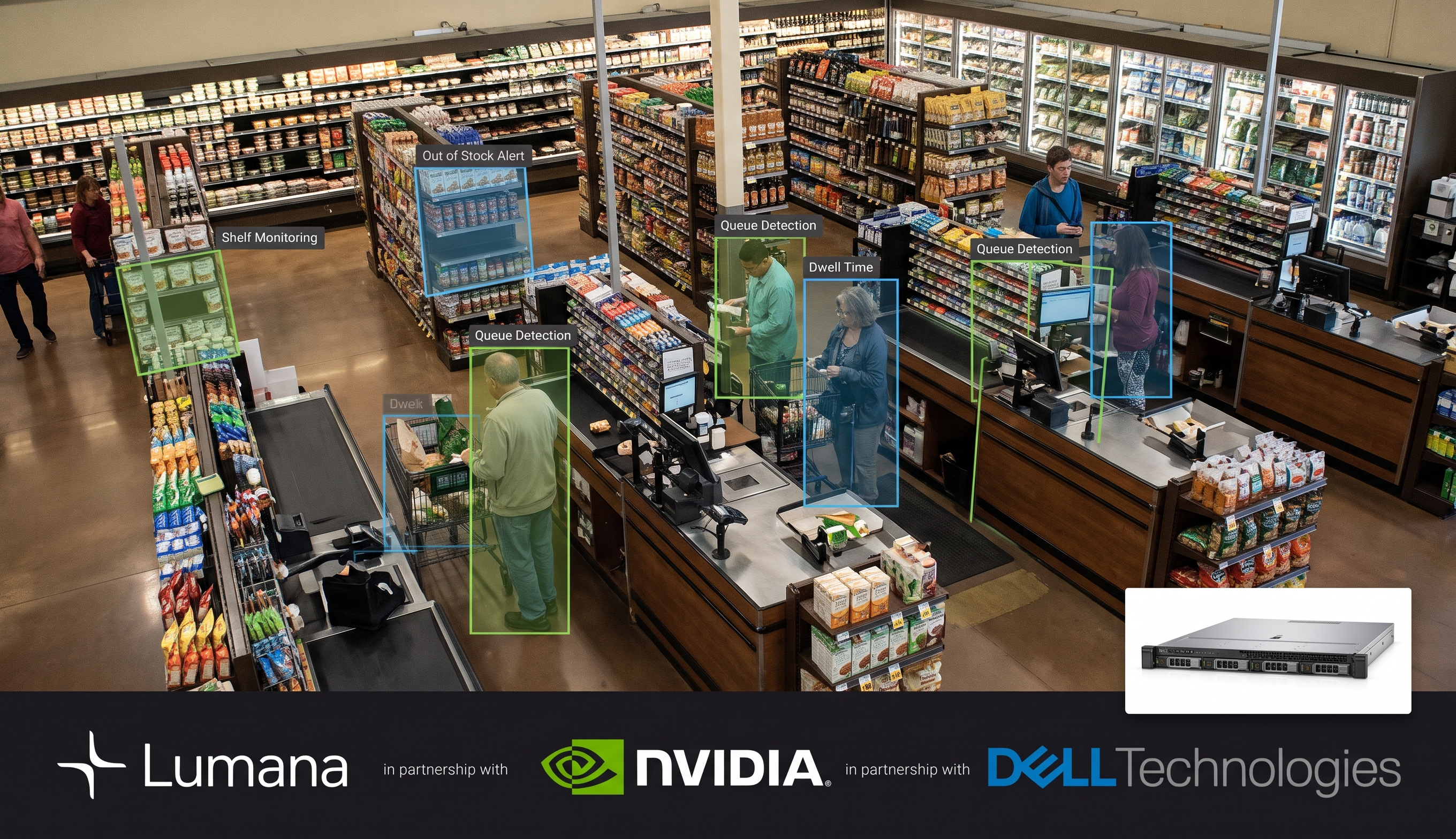
Lumana's hybrid-cloud approach lets you record video locally for performance and reliability while accessing footage remotely through cloud-based management. This optimizes costs without sacrificing capability.
VMS TCO comparison worksheet
Use this framework to calculate and compare total cost of ownership across different VMS solutions over five years.
Year one expenses
Annual recurring costs (years two through five)
Five-year TCO calculation
Calculate your total five-year investment by adding year one expenses to four years of recurring costs.
- Year one total: $______
- Years two through five (annual total × 4): $______
- Total five-year TCO: $______
- Per-camera five-year cost: Total ÷ number of cameras = $______
The per-camera cost normalizes your comparison across different deployment sizes. This metric helps you evaluate solutions with different architectures on equal terms.
Common TCO comparison mistakes to avoid
Organizations frequently underestimate total costs by focusing too narrowly on software licensing. Avoid these common pitfalls when comparing VMS solutions.
Comparing only software licensing costs. Software often represents less than 30% of five-year TCO. Hardware, implementation, and support typically exceed software expenses.
Ignoring implementation services. Professional services for design, installation, and integration frequently cost more than the software itself. Budget for comprehensive implementation rather than assuming self-service deployment.
Underestimating support costs. Choosing lower support tiers to reduce costs often backfires when issues arise. Emergency support calls and extended downtime cost more than appropriate support contracts.
Failing to account for infrastructure upgrades. Your existing network may require PoE switches, cabling upgrades, and bandwidth provisioning to support video surveillance. These costs often surprise budget planners.
Overlooking storage growth. Video storage needs grow continuously as you add cameras or extend retention periods. Budget for storage growth over the system's lifespan rather than assuming static requirements.
Comparing different retention periods. A solution with 30-day retention will have significantly lower storage costs than one with 90-day retention. Ensure you're comparing equivalent configurations.
Ignoring vendor lock-in costs. Proprietary licensing models or closed architectures make it expensive to migrate to alternative solutions later. Factor in potential switching costs when evaluating vendors for long-term options.
Choosing the right VMS licensing model for your organization
The right licensing model depends on your organization's financial structure, growth trajectory, and technical requirements. There's no universal answer—the best choice aligns with how your organization operates.
Choose perpetual licensing if you prefer predictable costs after the initial investment, have stable long-term requirements, and value owning your infrastructure. This model typically offers lower total cost over extended periods for organizations with consistent needs.
Choose subscription licensing if you prioritize operational expense flexibility, want continuous updates without additional purchases, or expect significant growth requiring easy scalability. This model reduces upfront barriers and simplifies budgeting.
Lumana supports multiple licensing and deployment strategies to optimize your total cost of ownership. Rather than forcing a one-size-fits-all approach, Lumana lets you leverage existing camera investments, deploy edge analytics to reduce server requirements, and select support levels appropriate to your technical capabilities.
Frequently asked questions about VMS licensing and TCO
How much should organizations budget for VMS implementation services?
Implementation services typically represent 15-30% of total first-year costs for on-premises deployments. Complex multi-site deployments with numerous integrations require more professional services than simple single-site installations.
Is cloud-based VMS more expensive than on-premises over five years?
For small deployments under 50 cameras or organizations with limited IT resources, cloud is often more cost-effective. For large deployments with stable requirements and available IT staff, on-premises perpetual licensing typically offers lower total cost of ownership.
What strategies reduce VMS storage costs most effectively?
Implement tiered retention policies keeping high-resolution video for shorter periods, use modern compression technologies like H.265, deploy edge analytics to record only relevant events, and consider hybrid storage combining fast local storage with cost-effective cloud archiving.
Should perpetual license holders purchase annual maintenance contracts?
Yes, in most cases. Maintenance contracts provide access to technical support, security patches, and minor updates. Without maintenance, you're locked to your current software version and may face expensive per-incident support charges when issues arise.
Getting started with Lumana
Understanding your total cost of ownership requirements is the first step toward selecting the right VMS solution. Lumana's flexible licensing models and transparent pricing help you make informed decisions aligned with your budget and operational requirements.
Request a product demo to see how Lumana's approach to VMS licensing and deployment flexibility can optimize your total cost of ownership while delivering the security capabilities your organization requires.