Customer support team wearing headsets working on computers in an office with brick walls and large windows.Three customer service representatives wearing headsets working at computers in a modern office with brick walls and large windows.

Industry-leading 24/7 support

Minimize downtime with instant access to world-class AI video security experts

How to reach us

Chat icon

Live chat

Connect instantly with our dedicated support team. Access via the Lumana Help Center.

Chat now
Email icon

Email us at support@lumana.ai

Ideal for complex issues that require documentation, screenshots, or detailed explanations.

Send email
Call icon

Call us at 1 (800) 470-5576

Speak directly with a support engineer. Available 24/7 for urgent issues and technical guidance.

Call now
Ticket icon

Submit a ticket

Create a tracked support request in our Help Center and monitor progress in real-time.

Submit ticket

A whole new level of support

Round-the-clock, enterprise-grade assistance from U.S.-based specialists, plus flexible ways to reach us and white-glove onboarding for your team.

Two business professionals discussing in front of modern glass building with onboarding to-do list displayed, including site mapping and camera installation.
Comprehensive onboarding
End-to-end assistance from install to custom configurations and staff training.

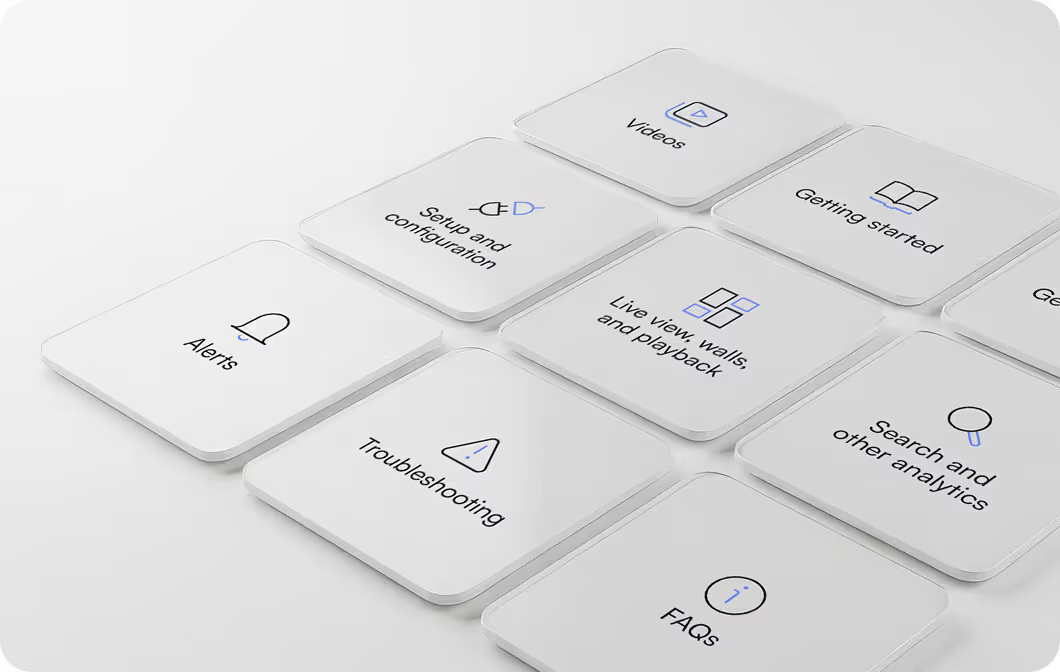
White square tiles with black and blue icons and text for support topics like Alerts, Setup and configuration, Live view, walls and playback, Troubleshooting, FAQs, Videos, Getting started, and Search and other analytics.
Knowledge base
Access video guides, detailed product documentation, configuration guides, and FAQs.
Smiling man wearing a headset and white shirt working at a computer desk in a bright office.
U.S. based human support
The same team that builds Lumana is here to support you — no third-party call centers.

Additional resources
System status

Quickly validate issues on the Lumana system status page.

Status check

Knowledge center

Everything you need to set up, configure, and optimize.

Start learning

FAQs

Quick answers to common Lumana questions.

Lumana setup FAQ

Instructional videos

Watch step-by-step videos from Lumana experts.

Watch now

Quick start guides

Including camera, Core, software, user, and app settings.

Get the guides

Get started with Lumana today

lumana security systems