Schneider Electric is a global energy management and automation company, and the maker of the Access Expert access control platform.
Overview
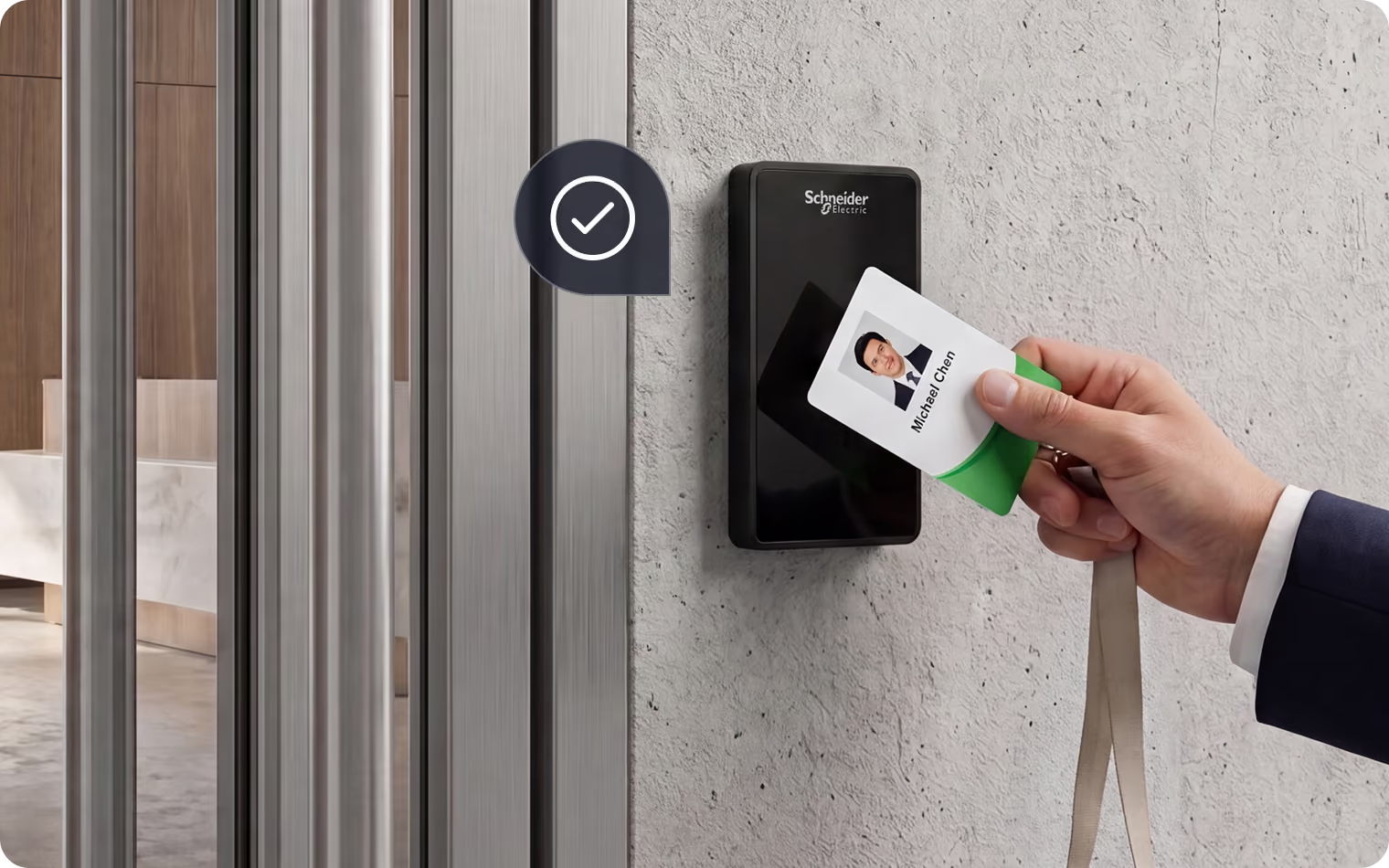
Lumana integrates with Schneider Electric Access Expert to unify AI video security with advanced access control. This synergy links video footage to access events, delivering real-time insights and rapid response capabilities to facility security incidents.
- Tailgating detection: Automatically detect and alert for unauthorized entry attempts, such as tailgating, by linking access control events with video analytics.
- Real-time alerts: Receive instant notifications for access-related events, allowing for quick response to potential security breaches.
- Enhanced investigations: Easily review and correlate access logs with video footage to conduct thorough investigations and improve security insights.
- Video Monitored Door Access Control: Operators can open/close doors directly from the live video page of a camera monitoring a specific door.
Benefits
Integrating Schneider Electric Access Expert with Lumana offers significant benefits by enhancing security and operational efficiency. It ensures that only authorized personnel access secure areas, minimizing the risk of unauthorized entry and potential security threats. This integration streamlines operations by automating monitoring and alerting, freeing up security staff to focus on more strategic tasks. Additionally, it accelerates incident response by providing immediate access to correlated video and access data, facilitating quicker decision-making and resolution.
Installation
- Log into Lumana: Start by accessing your Lumana account through the web interface using your credentials.
- Navigate to integrations: Once logged in, go to the 'Integrations' section within VMS+. This is where you can manage and add various integrations.
- Select Schneider Electric integration: In the list of available integrations, locate and select the Schneider Electric Access Expert integration option.
- Validating Access Expert Credentials: You'll be prompted to enter Schneider Electric credentials. This step is essential to establish a secure connection between your Schneider Electric access control system and Lumana.
- Pairing: Establish the pairing of doors with associated IP cameras.
- View Access Control events: After connecting with Access Expert, you'll be able to view access control events for the paired doors.
- Taking Actions: Within the Lumana interface showing videos from various sources, you will be able to view live video for doors and open/close doors with a single click within the single pane of glass.
Want to learn more?
Discover what AI video security can do for your organization.