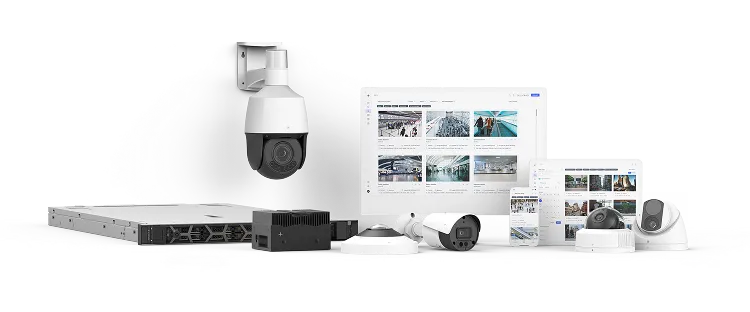
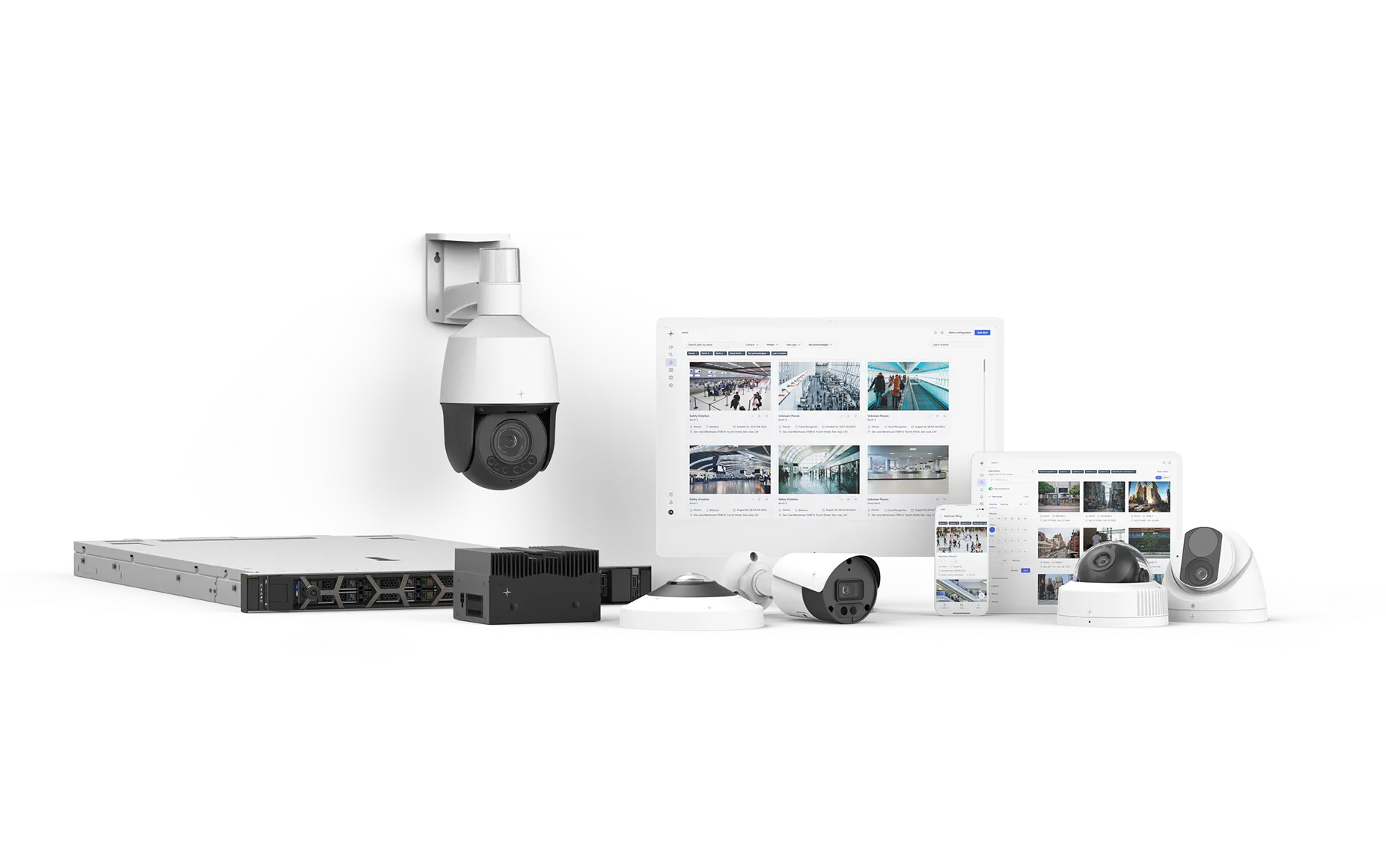
Lumana AI video analytics integrates with HiveWatch to turn video alerts into managed security events.
Overview
HiveWatch unifies cameras, access control, and other security system alarms into a single platform that triages, prioritizes, and resolves incidents according to your protocols, with AI-native capabilities ranging from assisted response to fully autonomous alarm resolution and program recommendations.
HiveWatch ingests Lumana video and video-based analytics alerts, so security teams can standardize and manage them alongside access control, guard, and third-party alerts in one queue. Operators work from a centralized platform and single workflow, with the footage attached to every alert, without the need to rip-and-replace existing hardware.
Key features
- Standardized alerts: Lumana alerts take the same format as events from your other systems, so operators handle them the same way.
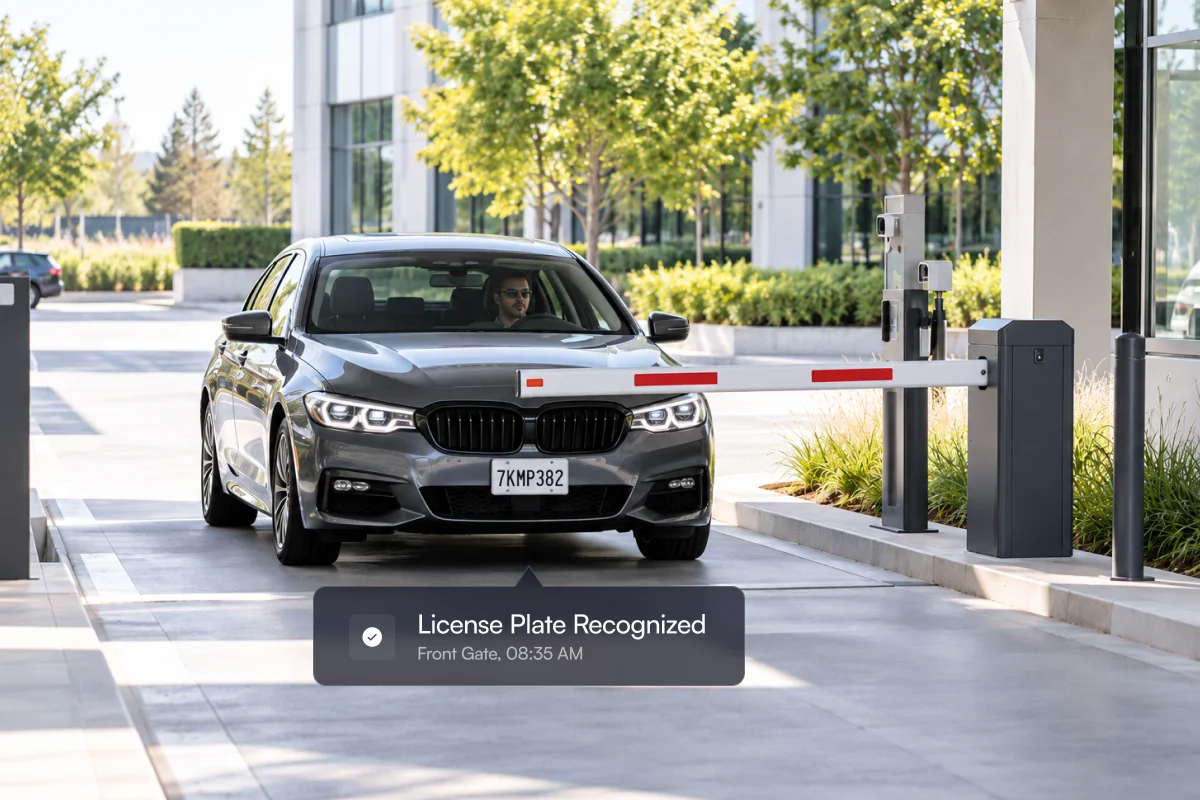
- Video-based analytics: Receive an alert when Lumana detects a fall, person of interest, recognizes a license plate, occupancy rates, traffic activity, or line crossing, with video to confirm the activity.
- Tailgating detection: Get alerted when more people pass through a door than badged in, by pairing access control events with Lumana video.
- Video-linked investigations: Review access control alerts side by side with relevant Lumana footage to investigate security incidents.
Benefits
- One queue instead of another console. Lumana alerts sit next to access control, guard, and third-party events. Your team does not need a separate tool to monitor video analytics.
- Less noise. Video analytics generate a lot of alerts. HiveWatch prioritizes and routes them based on your SOPs, so operators see what needs action.
- Faster, documented response. SOPs guide operators through each alert type, and HiveWatch records every action for investigations and exports.
- More from the cameras you already own. Lumana analytics add detail to your security program without replacing your existing systems.
Installation
- Log into Lumana: Start by accessing your Lumana account through the web interface using your credentials.
- Navigate to Organization Settings > Roll Your Own > HTTP Integration and generate an API key for the HiveWatch Integration
- Share the key through a secure method with your HiveWatch resource to configure video cameras and video analytics alerts from Lumana in HiveWatch
- Set up your desired camera based alerts that you would like to manage in HiveWatch.
Want to learn more?
Discover what AI video security can do for your organization.