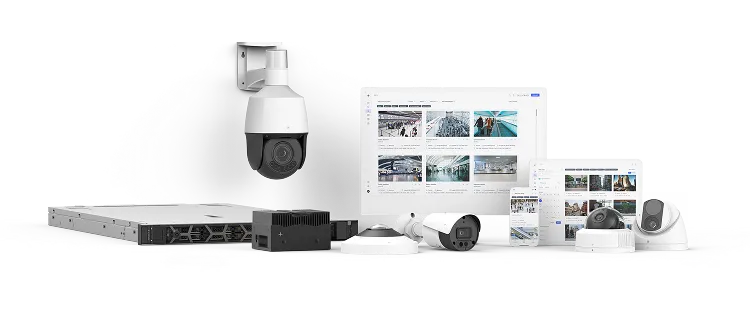
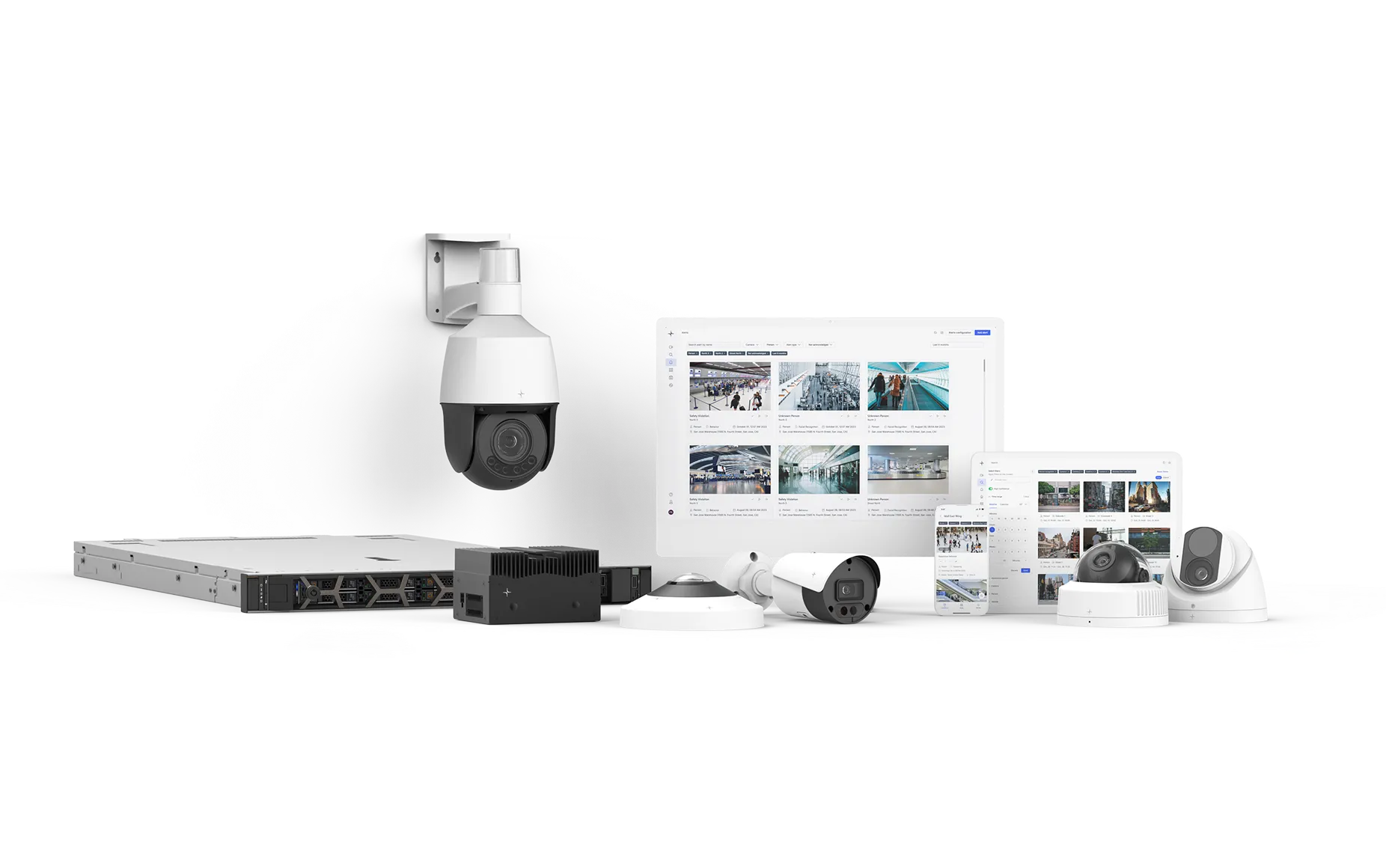
Axis Communications is a manufacturer of network cameras and video security hardware, built on open, standards-based technology.
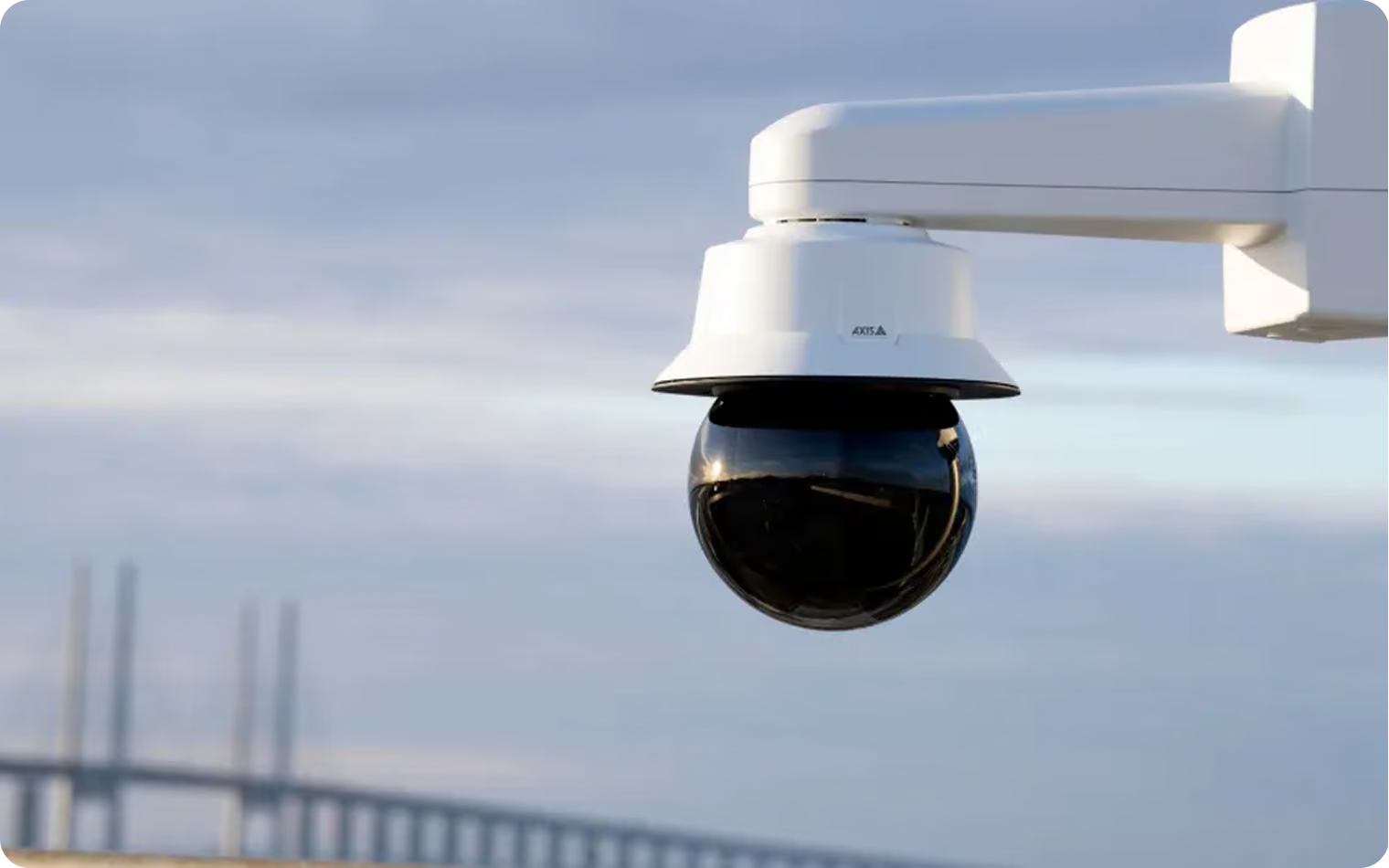
Overview
Lumana is an Axis Technology Integration Partner. Connect your existing Axis cameras to Lumana Core, and VIA-1 — Lumana's video intelligence model — adds AI monitoring, natural-language search, and real-time alerts to the cameras you already own, with no need to replace them.
- Works with your existing Axis cameras: Lumana is camera-agnostic. Connect supported Axis cameras over ONVIF or RTSP and keep the hardware you've already deployed.
- AI on every connected camera: VIA-1 runs on your Axis feeds through Lumana Core, adding continuous-learning detection and up to 90% fewer false alerts.
- On-site processing with Core: Lumana Core runs AI locally for low latency and keeps recording and analyzing even during an internet outage.
- Managed in VMS+: Oversee Axis cameras alongside the rest of your sites in VMS+ — search footage in plain language, review alerts, and run operations from one place.
Benefits
Axis cameras capture reliable, high-quality video — but on their own, they still depend on someone watching the feeds. Connecting them to Lumana Core puts VIA-1 to work on that video, so your Axis cameras detect meaningful activity, surface it as real-time alerts, and become searchable in plain language. You keep the Axis hardware you've invested in and add AI on top of it, with everything managed alongside your other cameras in VMS+ — one platform, whatever brand of camera is behind it.
Installation
- Prepare your Axis camera: Update the camera and assign a static IP using Axis IP Utility. If your network has no DHCP server, the Axis default IP is 192.168.0.90.
- Enable ONVIF (if connecting over ONVIF): In the Axis web interface, go to System, select ONVIF, add an ONVIF user with the administrator role, and save. Note: Axis disables ONVIF after a password is set until an ONVIF user is added.
- Choose your connection method: Connect the camera to Lumana Core using admin credentials (recommended for full feature access), an ONVIF profile, or a dedicated new profile with limited permissions.
- Add the camera to Core: In Lumana, add the camera using Camera Search, IP Search, ONVIF Search, or manual entry (camera name, IP address, RTSP port 554, username, password, and RTSP path).
- Verify the stream: Confirm the preview shows the correct camera, name it, and save.
Want to learn more?
Discover what AI video security can do for your organization.