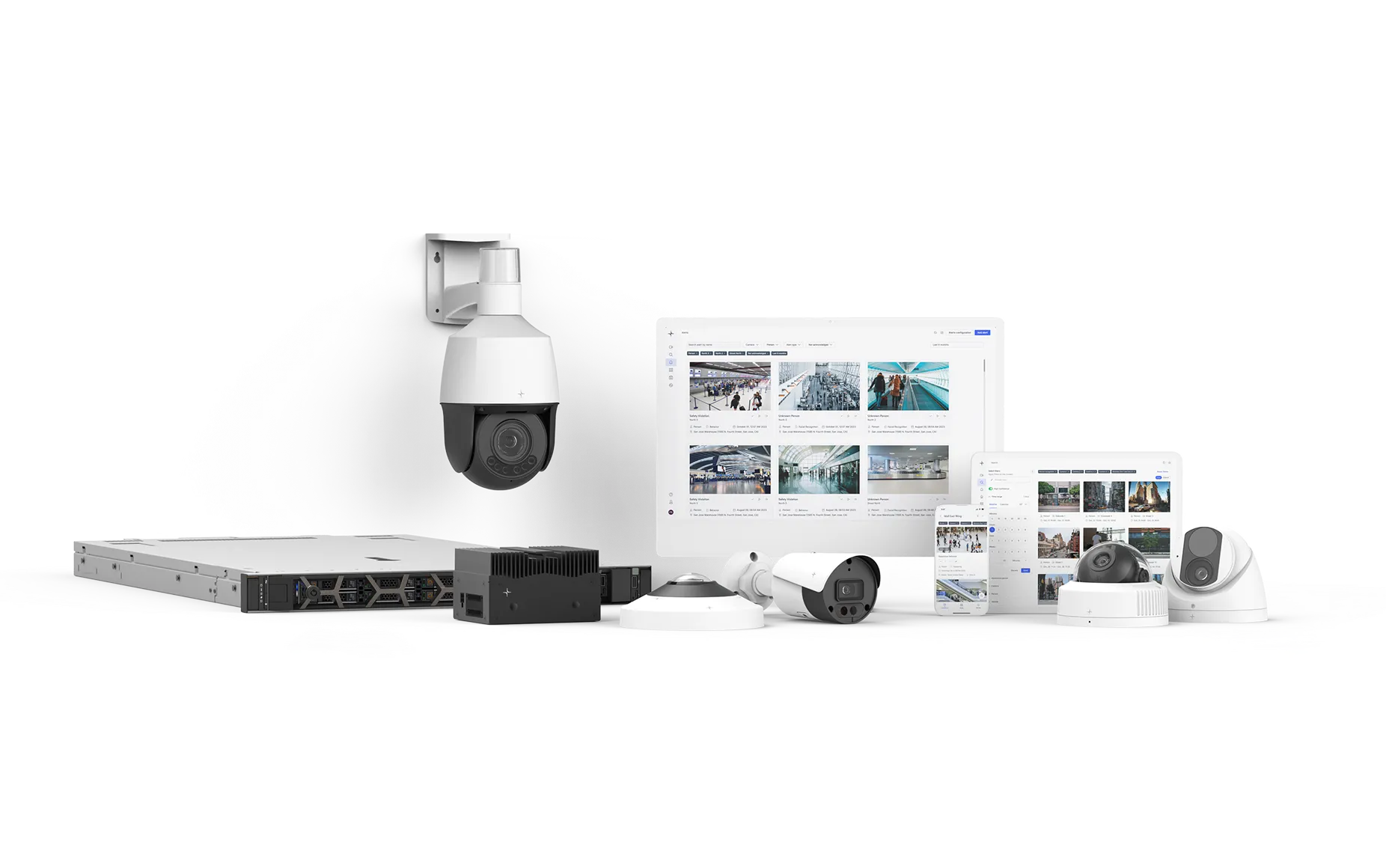
Event Tag
Unlock the power of Lumana and use external third-party data for advanced enterprise search capabilities.


Leverage data from external systems to generate relevant events directly from the Lumana platform.
What you can do with Event Tag
Create and capture unique events
Connect Lumana camera footage with external systems to capture unique vents in seconds.

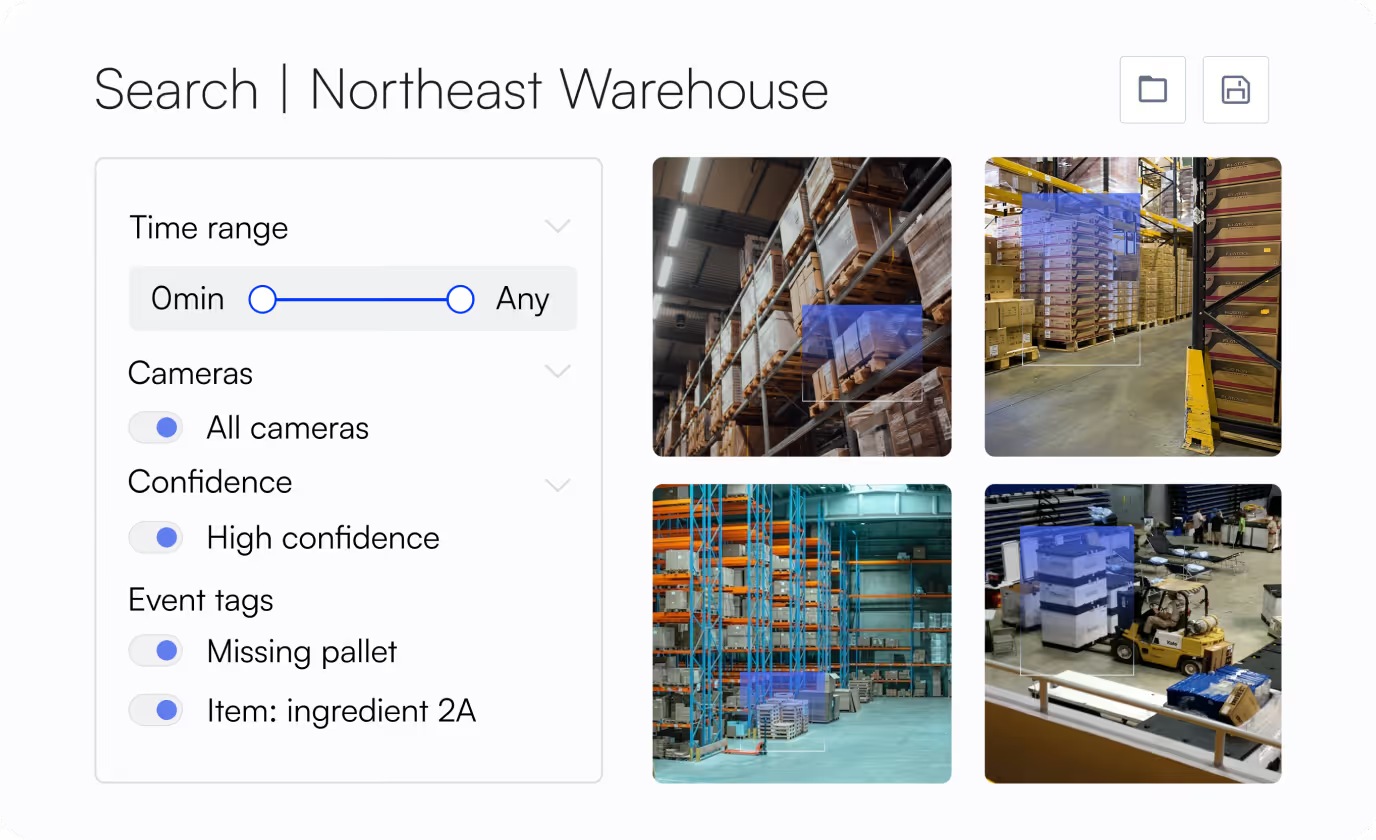
Search events with distinct parameters
Layer Lumana’s Smart Search with Event Tags to conduct highly-relevant investigations tailored to your needs.
Extract greater value
Quickly integrate using Lumana’s public API key and acquire greater contextual data from existing systems.

How it works

1. Generate public API key
Navigate to the settings page in Lumana VMS+ to create an API key. Unique API keys are used to authenticate requests.

2. Configure event
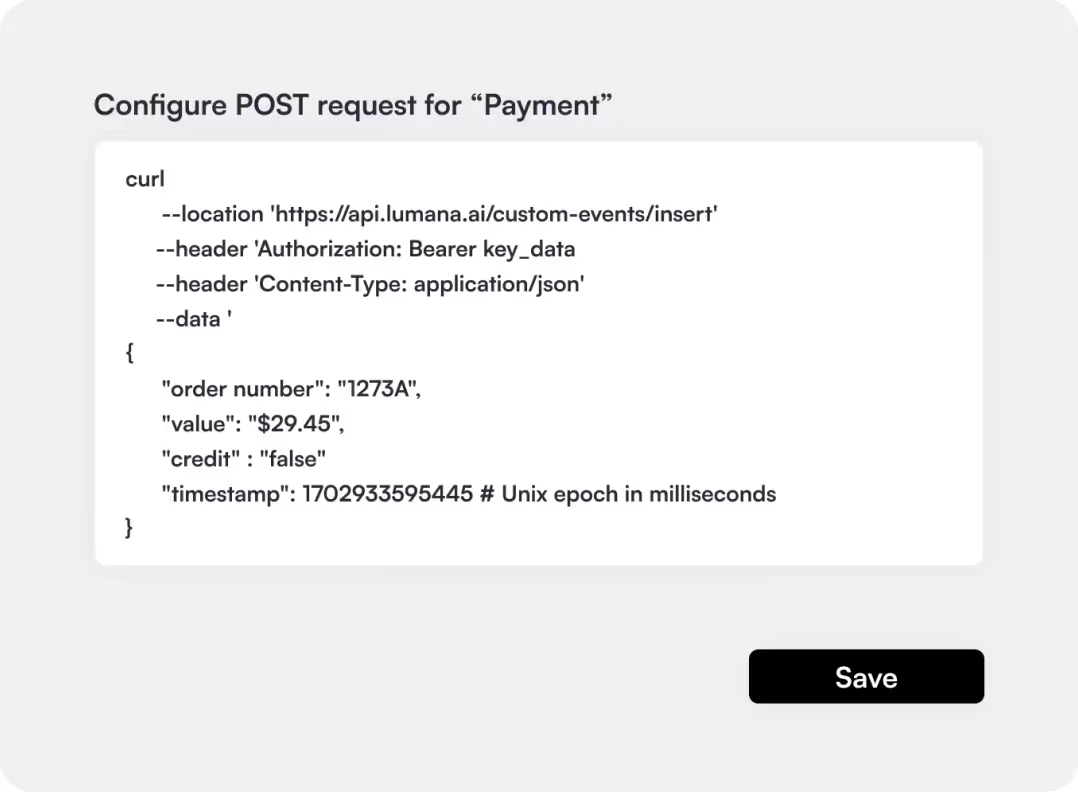
Define your event by selecting appropriate attributes. Event fields can be setup as a integer, decimal, text, or boolean.
3. Create Event Tag
Ingest data from external systems by sending a POST request that matches your event configuration.

4. Search for Event Tags
Once completed, Event Tags are now searchable within Lumana’s Smart Search interface.
Use cases
Warehouse operations
Monitor production efficiency and search for pallet status via pallet ID by pulling data directly from your Warehouse Management Systems (WMS)

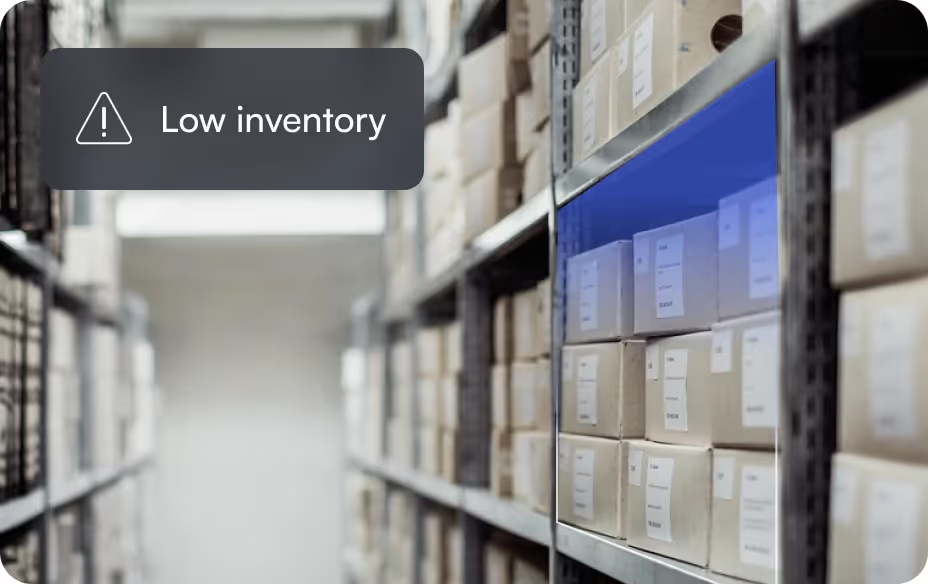
Inventory management
Ensure new packages and inventory are recorded and stored correctly by pulling barcode data from mailroom or inventory management systems.
Retail and point-of-sale
Reduce fraudulent activity by verifying credit card transactions via enriched video evidence with integrated POS data