Welcome to Lumana
We're glad you're here
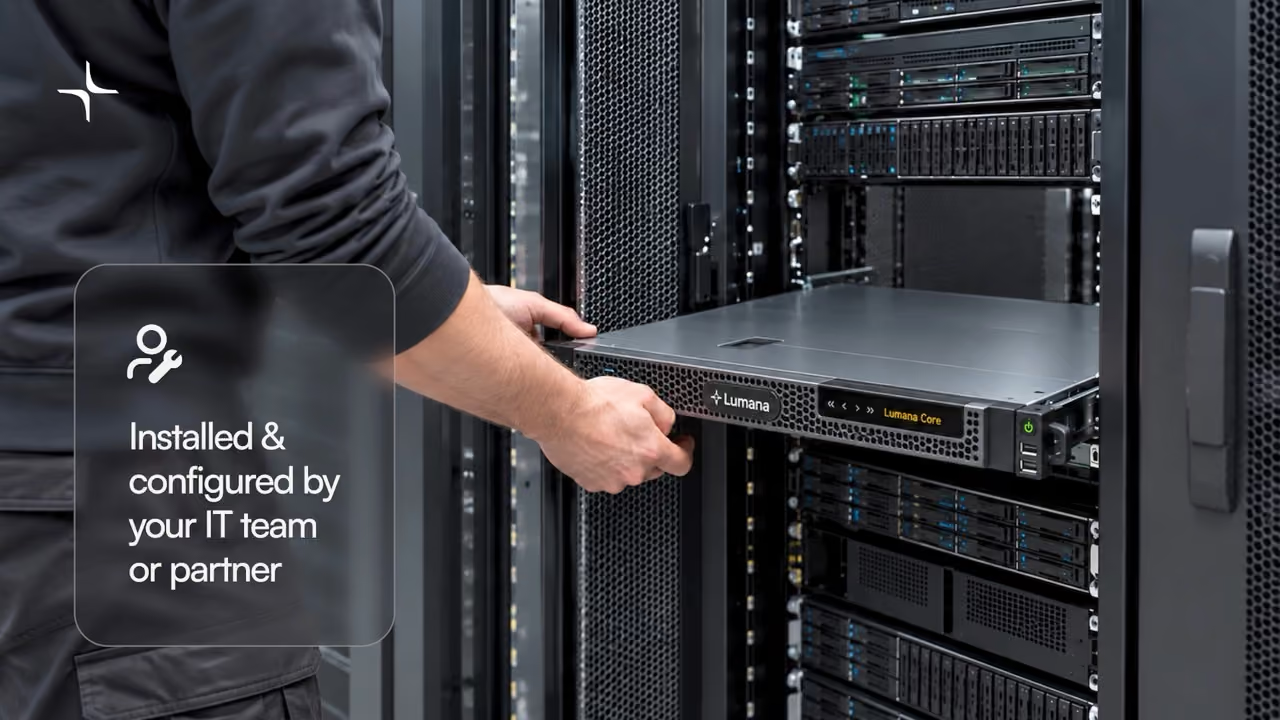
Thank you for choosing Lumana. Your new Lumana Core is in this box. These short videos show you how to set it up, one step at a time.
Start here
Meet your Lumana Core
A quick tour of the Core and how installation works.
2:39
Set up in 3 steps
Watch them in order. Each one takes less than 2 minutes.
1
Step 1
1:04
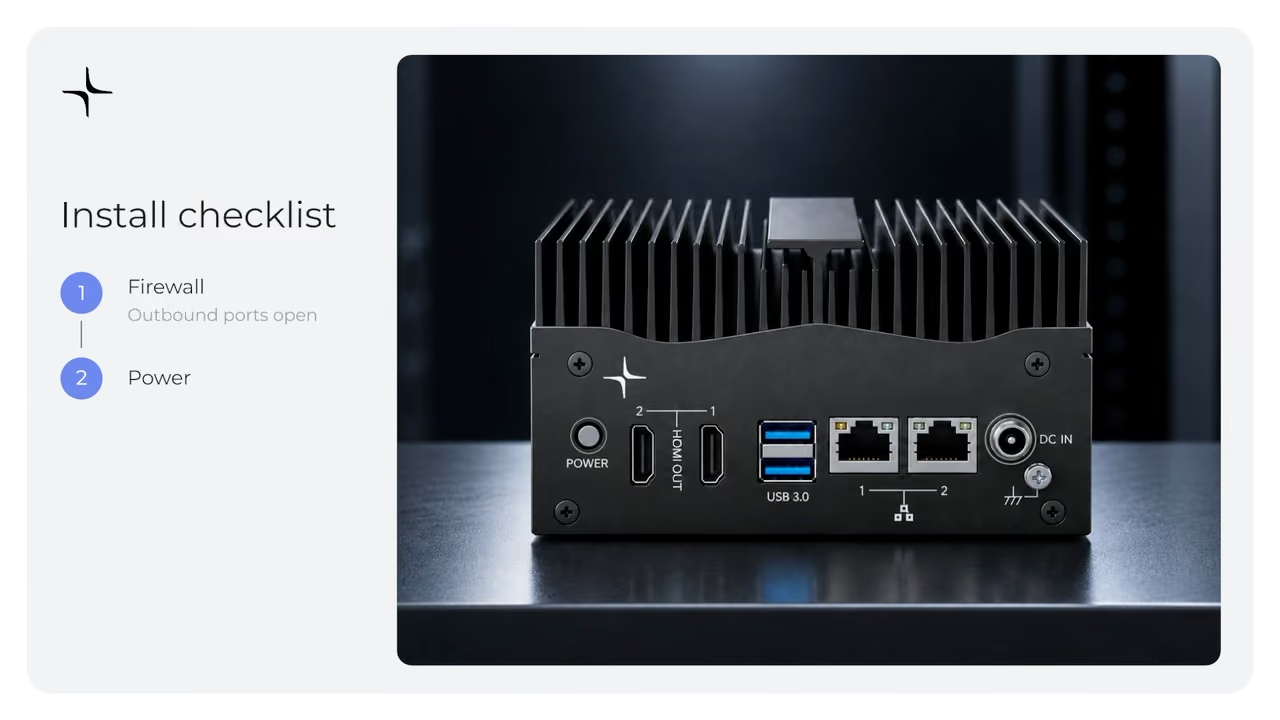
Unbox and power on
Check that the right outbound ports are open on your firewall, then connect the Core to power.
2
Step 2
1:36
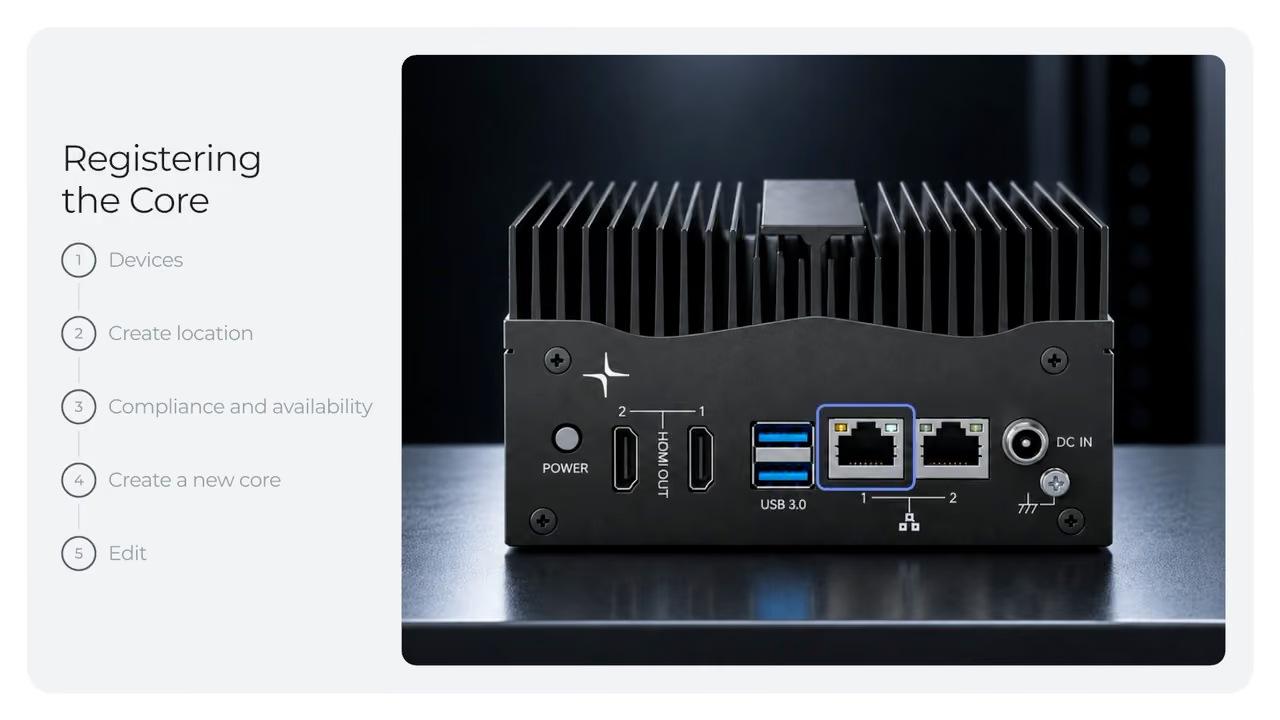
Register the Core
Add the Core to your Lumana account. Create a location, then create the new Core.
3
Step 3
Only if needed
1:42
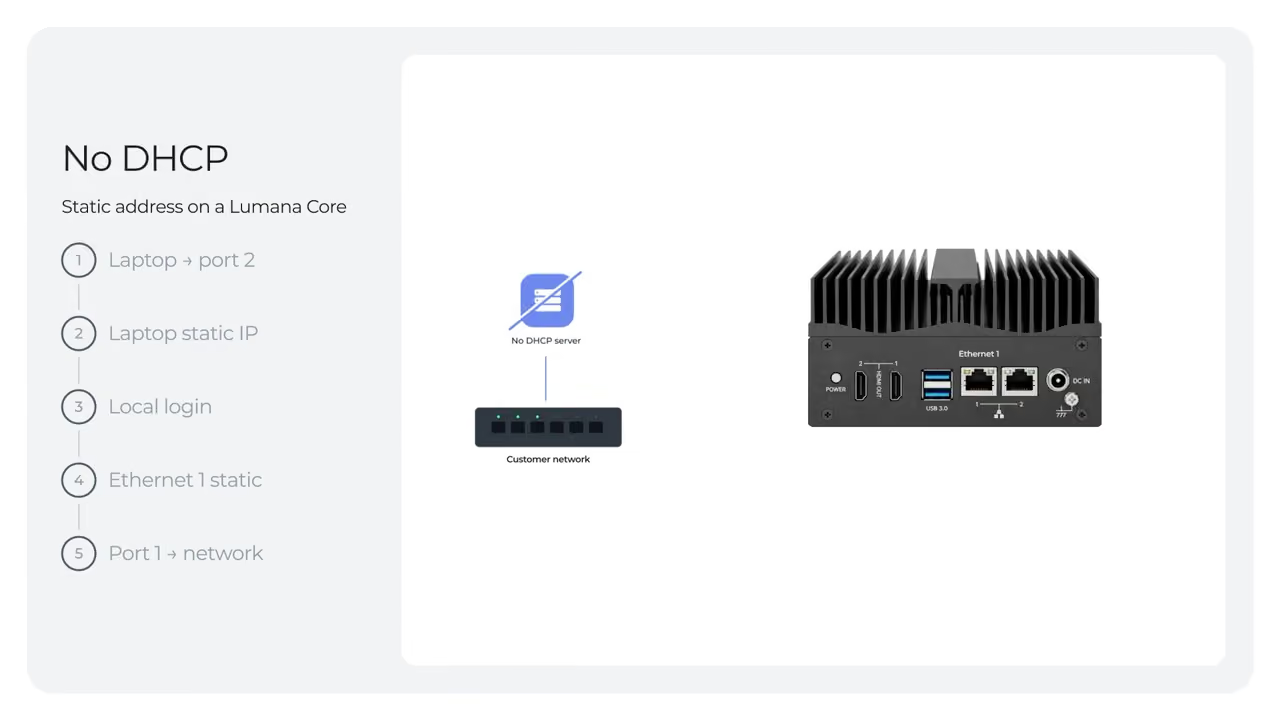
No DHCP? Set a static IP
If your network does not use DHCP, this video shows how to give the Core a static IP address.