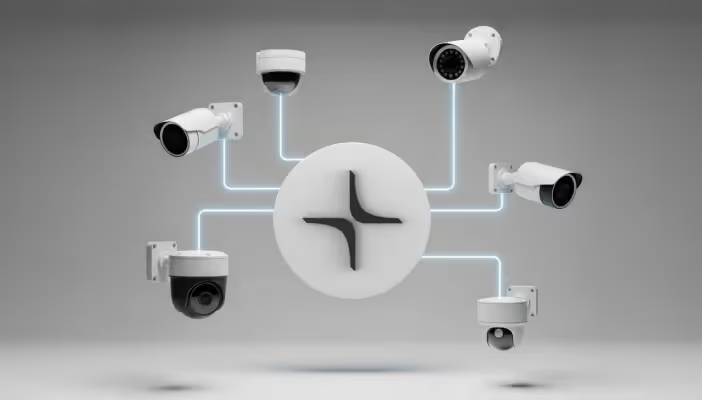
This guide walks you through adding AI video analytics to your existing IP cameras, covering the technical requirements, deployment options, and implementation steps that help enterprises and public-sector organizations transform passive recording into proactive security without replacing hardware.
This guide walks you through adding AI video analytics to your existing IP cameras, covering the technical requirements, deployment options, and implementation steps that help enterprises and public-sector organizations transform passive recording into proactive security without replacing hardware.
Adding AI to Existing Cameras is Easier Than You Think
Most organizations don't need to replace their security cameras to gain AI-powered video analytics. If your cameras are IP-based and use standard streaming protocols, they can likely integrate with modern AI surveillance platforms without any hardware changes.
This matters because upgrading to AI-enhanced security has traditionally meant significant capital investment in new equipment, often $700 to $1,500 per camera. Today, AI systems work alongside your existing infrastructure, transforming cameras you already own into intelligent monitoring tools.
Three key advantages make this approach practical:
- Cost savings: Leveraging existing cameras eliminates the expense of wholesale hardware replacement, and AI surveillance systems typically deliver 100-300% ROI within 2 years.
- Flexibility: Standard protocols mean AI systems work with diverse camera brands and models from the past decade.
- Speed: Implementation can begin within days since the infrastructure is already in place.
The shift from passive recording to proactive monitoring doesn't require starting over. Your current cameras are assets, not obstacles.
What Camera Requirements Does AI Video Analytics Need?
Before adding AI capabilities, it helps to understand what makes a camera "AI-ready." The good news is that most modern IP cameras already meet the basic requirements. The key factors are protocol compatibility, resolution, frame rate, and positioning.
IP camera protocol compatibility
AI video analytics systems communicate with cameras through streaming protocols. The most common is RTSP (Real-Time Streaming Protocol), which allows cameras to send video data over a network in real time.
Think of RTSP as the language your camera speaks to the AI system. Most IP cameras manufactured in the last decade support RTSP, HTTP-MJPEG, or ONVIF protocols. If your camera uses any of these standards, it can likely connect to an AI platform without modification.
This protocol compatibility is what enables camera-agnostic AI systems to work across brands. Whether you have Axis, Hikvision, Dahua, or another manufacturer, the AI doesn't care about the brand; it only cares that the camera speaks a standard language.
Resolution and frame rate guidelines
Camera specifications directly affect AI detection accuracy. Higher resolution provides more detail for the AI to analyze, while adequate frame rates ensure smooth tracking of movement.
- Resolution: Aim for at least 1080p (1920x1080). A resolution of 2K or higher is preferred when you need to capture fine details, such as small objects, printed text, or faces at a distance.
- Frame rate: Ten frames per second is the minimum for reliable AI detection. A range of 20 to 30 frames per second is ideal because it gives the AI more images to analyze, which improves motion tracking and object classification.
- Bitrate: Keep camera bitrates efficient. Many deployments target under 3000 kilobits per second per stream, which balances video quality with bandwidth usage without noticeably degrading AI performance.
For practical purposes, 1080p resolution at 10 frames per second represents the floor for reliable AI detection. Many existing cameras exceed these specifications, meaning they're already capable of supporting advanced analytics.
Optimal camera positioning for AI detection
Even the best AI struggles with poorly positioned cameras. Placement affects everything from detection accuracy to false alarm rates.
- Height: Cameras positioned 8-12 feet high provide the best balance between coverage and detail
- Angle: A 15-30 degree downward tilt reduces false positives from shadows and reflections
- Lighting: Avoid direct backlighting, which can obscure subjects and confuse detection algorithms
- Coverage overlap: A 10-20 percent overlap between adjacent cameras enables seamless tracking across zones
These positioning principles apply whether you're optimizing existing cameras or planning new installations. Small adjustments to angle or height can significantly improve AI performance without any equipment changes.
Network and Bandwidth Requirements for AI Surveillance
Network infrastructure is often the overlooked factor in AI surveillance deployment. The AI system needs reliable access to both your camera network and the internet, with bandwidth requirements varying based on your chosen deployment model.
For most implementations, the AI edge device requires a minimum 1 gigabit per second (Gbps) connection to the camera network. If your cameras sit on a separate network segment without internet access, the edge device needs connections to both networks.
Bandwidth consumption depends heavily on whether you choose cloud, edge, or hybrid-cloud processing:
- Cloud processing: Encrypted video streams are continuously uploaded to cloud servers, resulting in high, sustained bandwidth usage that persists during incidents. This model works best for organizations that have reliable, high-capacity internet connections and distributed locations that benefit from centralized management.
- Edge processing: Video is processed locally on an on-premises server, which means continuous bandwidth usage is minimal, often under 0.1 Mbps when the system is idle. Bandwidth only spikes moderately when alerts, clips, or metadata are sent off-site. Edge is ideal for environments with limited internet capacity or strict data sovereignty requirements.
- Hybrid-cloud processing: The system continuously sends lightweight data, such as thumbnails and metadata, to the cloud, keeping overall bandwidth usage low. During incidents, bandwidth rises moderately as additional details or clips are transmitted. Hybrid-cloud is a good fit for organizations that want to balance local control and performance with the benefits of cloud-based visibility and management.
Cloud, Edge, or Hybrid-Cloud AI Deployment Options
Organizations adding AI to existing cameras face a fundamental architecture decision: where should video processing happen? The answer affects everything from bandwidth usage to data privacy to response times.
Cloud-based AI processing
Cloud deployment sends encrypted video streams to remote servers for analysis. All AI processing happens in secure data centers, with results delivered back to your management interface.
This approach offers automatic updates, meaning AI models improve continuously without on-site intervention. You also get unlimited scalability—add cameras across any number of locations without hardware constraints. The trade-off is that cloud processing requires consistent, high-bandwidth internet connectivity.
Cloud processing works well for organizations with reliable internet and multiple distributed locations. The centralized management simplifies oversight, but the continuous upload requirement can strain networks.
Edge-based AI processing
Edge deployment processes video locally on an on-premises server. Video never leaves your facility unless you choose to export it.
With edge processing, your footage stays on-site, satisfying strict compliance requirements. Only alerts and metadata travel over the internet, dramatically reducing bandwidth needs. Local processing also eliminates round-trip latency to cloud servers, enabling faster response times.
Edge processing suits organizations with strict data residency requirements or limited internet bandwidth. Schools, healthcare facilities, and government agencies often prefer this model for privacy reasons.
Hybrid-cloud AI processing
Hybrid-cloud architecture combines local edge processing with cloud-based management. The edge device handles real-time detection and recording, while the cloud provides centralized oversight, historical analysis, and advanced insights.
This approach offers several distinct advantages:
- Fast local response: Threats are detected, and alerts are triggered without waiting for cloud round-trips
- Efficient bandwidth: Only thumbnails and metadata sync continuously; full video uploads only when needed
- Cloud management: Centralized dashboard for multi-site visibility without complex VPN configurations
- Resilient recording: Local storage continues capturing footage even during internet outages
Lumana's hybrid-cloud architecture exemplifies this balanced approach. Video records locally for immediate access and reliability, while cloud connectivity enables remote management and AI-powered search across all locations.
How to Add AI to Your Current Security Cameras
Implementation follows a straightforward three-phase process. Most organizations complete deployment within weeks, with existing security operations continuing uninterrupted throughout.
Phase 1: Assessment. The integration team evaluates your current camera inventory, network infrastructure, and security requirements. This includes documenting camera models, verifying protocol compatibility, and identifying any positioning optimizations.
Phase 2: Deployment. Edge devices connect to your network and begin receiving camera streams. AI detection activates immediately, with initial calibration ensuring accuracy for your specific environment. Staff training covers the management interface and alert workflows.
Phase 3: Optimization. Based on real-world performance, detection sensitivity and alert rules are refined. Additional cameras or locations can be added incrementally as needs evolve.
The key point is minimal disruption. Your existing cameras keep recording throughout the process. The AI layer adds capability without replacing what already works.
Where AI-enhanced cameras deliver the most value
AI video analytics transforms passive recording into active monitoring across diverse environments. The specific applications vary by industry, but the underlying value remains consistent: faster detection, reduced manual monitoring, and actionable insights from video data.
- Manufacturing and warehousing: Detect PPE violations, monitor restricted zones, track inventory movement, and identify safety hazards before incidents occur
- Retail: Detect out-of-stock conditions, monitor queue lengths for staffing decisions, and investigate shrinkage
- Schools and public facilities: Enhance campus safety monitoring, detect unauthorized access, and support emergency response with real-time situational awareness
- Logistics and transportation: Monitor dock operations, track vehicle movements, ensure compliance with safety protocols, and accelerate incident investigation
- Corporate and government: Strengthen perimeter security, monitor sensitive areas, and search hours of footage in seconds during investigations
The common thread is shifting from reactive to proactive security. Instead of reviewing footage after an incident, AI-enhanced cameras alert staff in real time, reducing false alarms by 40-60% and enabling intervention before situations escalate.
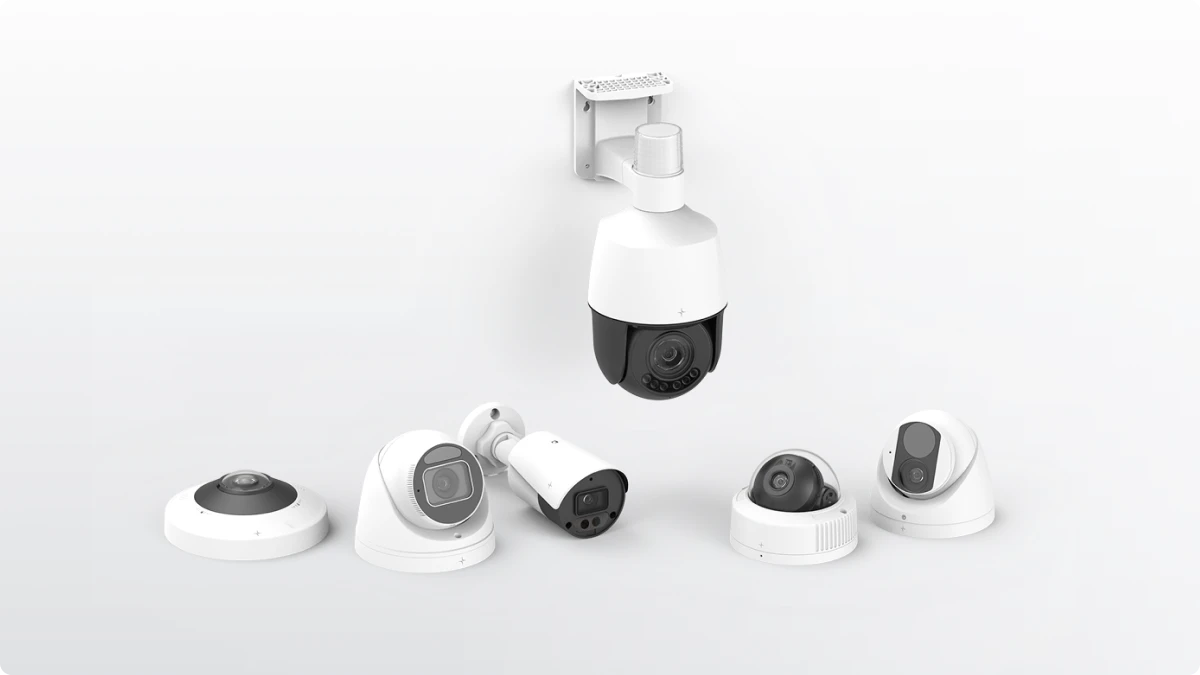
Transform your existing cameras into intelligent security with Lumana
Your current camera infrastructure represents a significant investment. Adding AI capabilities protects that investment while unlocking features that weren't possible when those cameras were installed.
The path forward doesn't require replacing hardware or disrupting operations. Modern AI platforms integrate with standard IP cameras, process video locally or in the cloud as needed, and deliver real-time alerts that transform how security teams operate.
Lumana's AI video security platform works with any IP camera, combining the reliability of local recording with the convenience of cloud management. Advanced AI agents detect threats with near-human perception, streamline responses, accelerate investigations, and capture operational insights that drive smarter decision-making across security, safety, and operations.
Request a product demo to see how Lumana can transform your existing cameras into an intelligent security system.
Frequently Asked Questions
What if my cameras are older analog systems?
Analog cameras require a video encoder to convert their signal to IP-based streaming before AI integration is possible. These encoders are relatively inexpensive and allow legacy systems to connect with modern AI platforms without full camera replacement.
Can I start with just a few cameras and expand later?
Yes, most AI surveillance platforms support incremental deployment. Organizations typically begin with high-priority areas or a pilot site, then expand coverage as they validate performance and refine workflows.
What happens to my current security operations during implementation?
Existing cameras continue recording throughout the deployment process. The AI layer integrates alongside your current system rather than replacing it, ensuring no gaps in coverage during transition.